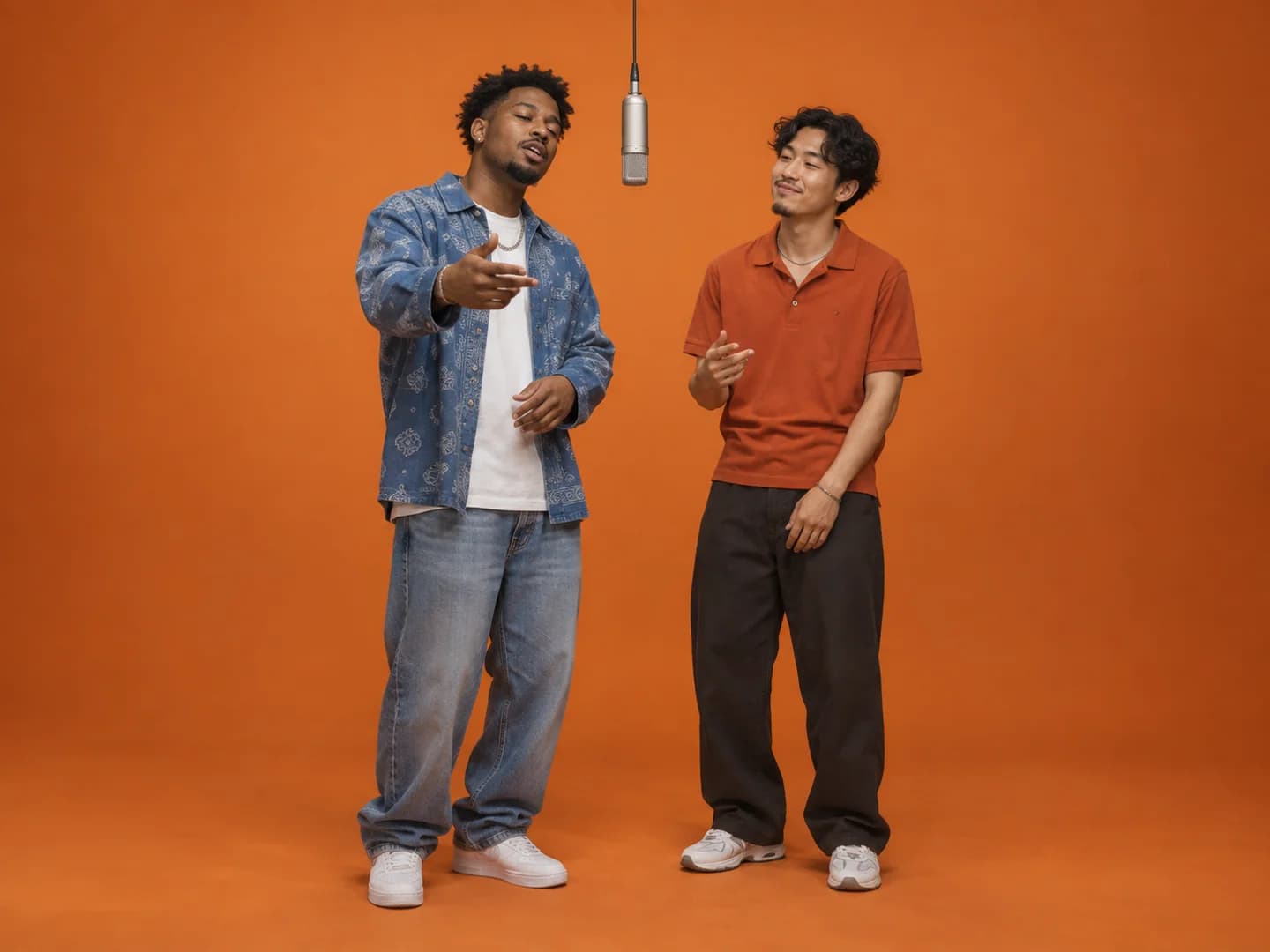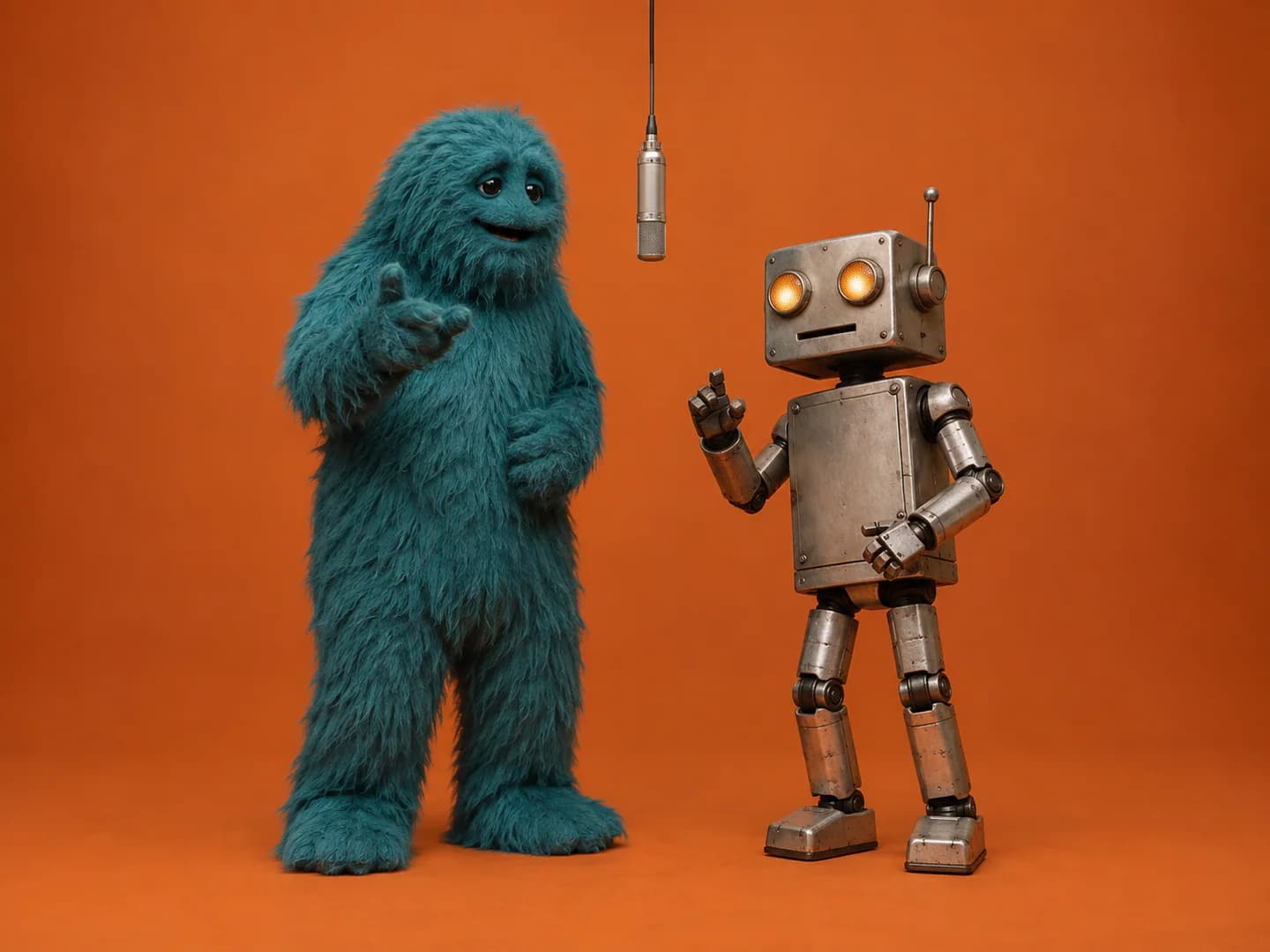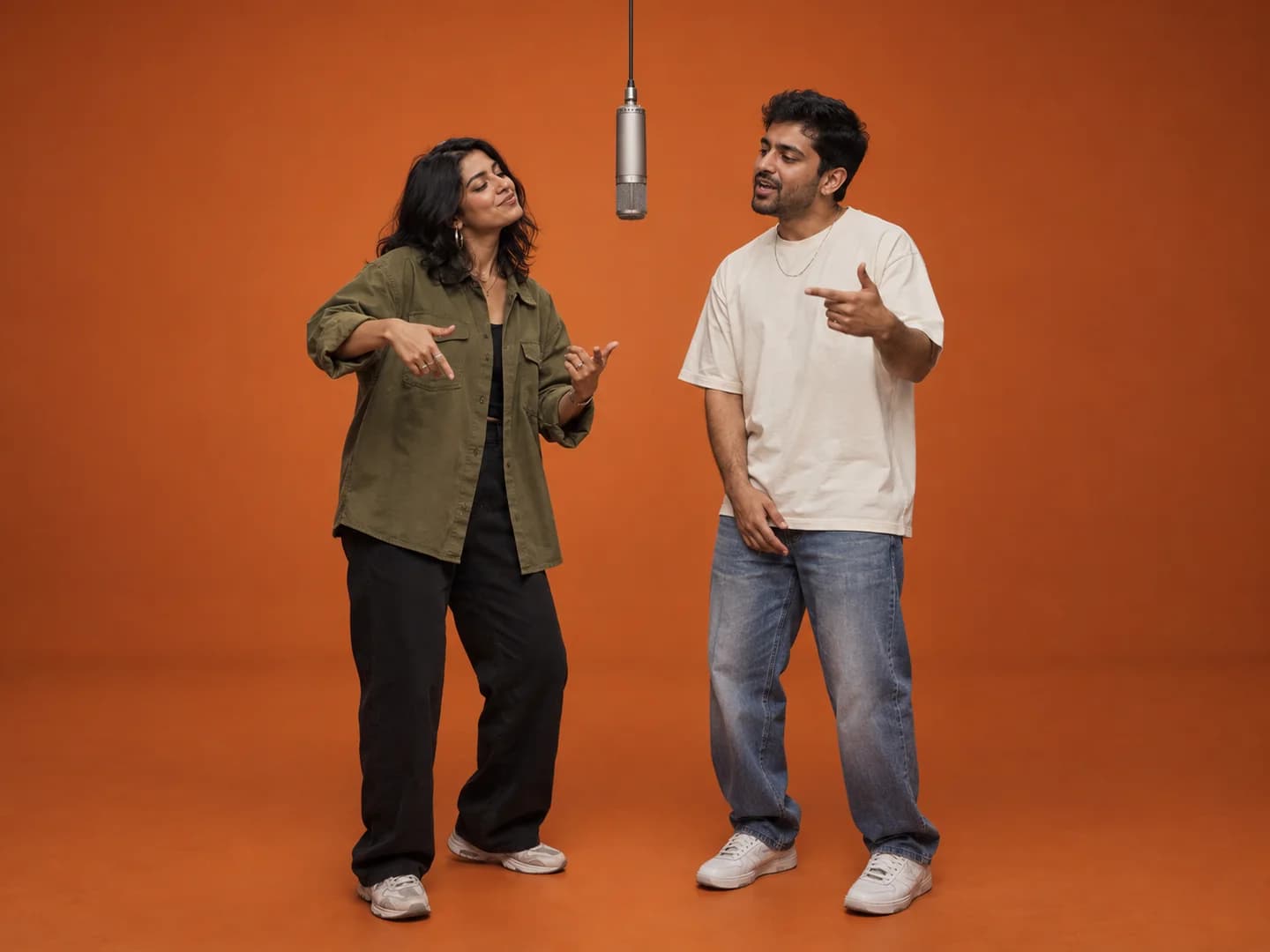
Quick answer
A Hotel Lobby AI template is a reusable setup for the orange-studio duet. Some templates arrange existing clips in an editor; others guide a new AI video or transfer motion from a reference. Before using one, check whether it accepts two separate subjects and what it preserves from the original scene.
Work out what the template actually does
An editing template can organize your clips, timing and effects without animating a still photo into a new performance. A motion-reference workflow uses an existing video to guide movement. A photo-based generator makes new footage using your images and a prepared scene. All three may use the word template in a search result.
Choose based on the input you have. If you already filmed two performers, an editor may be enough. If you want a specific movement sequence, inspect the motion-reference controls. If you only have two photos and want the familiar booth idea, a two-reference generator is the more direct starting point.
Hotel Lobby character swap vs. photo-based generation
A Hotel Lobby character swap usually means replacing the two performers in an existing reference video. A face-only swap changes the faces; a broader character edit may also change hair, clothing and bodies. Check the tool's actual inputs and examples to see which parts of the source performance it aims to retain.
Make Hotel Lobby AI creates a new video from your two photos and a prepared orange-studio scene. You do not upload the original performance clip. Your references guide the two subjects, while the generator creates new movement and original audio. The result is not an exact copy of the COLORS choreography or soundtrack.
If keeping the source video's timing is your main goal, look for a workflow that accepts a motion reference and inspect its full results. If your goal is a new duet starring friends, pets or original characters from photos, our two-photo setup is the workflow shown in the homepage examples.
Check support for two separate identities
The Hotel Lobby format depends on a duo. A template built around one character does not automatically become a two-character workflow when you add another face. Look for separate subject inputs and a way to assign the left and right roles.
Check examples through the whole clip rather than judging a thumbnail. Both performers should stay recognizable when they gesture or turn. If the example contains a face swap, it may preserve the original person's body and clothes rather than the full appearance in your photograph.
- Can you provide one reference for each subject?
- Does the workflow identify the intended left and right performers?
- Does it generate new clothing and bodies or preserve a source clip?
- Does the example keep both subjects visible during motion?
What the prepared Make Hotel Lobby AI setup includes
Our booth uses two reference photos and a prepared orange-studio scene with a hanging microphone. You can choose portrait 9:16 or landscape 16:9. The output is a video at your selected duration and resolution with original generated audio.
The generator does not require a reference motion video or editing timeline. You can select 5, 10 or 15 seconds and add an optional theme. It does not offer an exact copy of the source choreography or a permanent media archive. Those differences are useful to know before paying for a workflow that is not what you meant by template.
Read the price and audio details before generating
On our website, a video uses the displayed number of credits and the Single pack is $9.99 for 36 credits. Packs are one-time purchases. Buying credits does not mean every possible result will satisfy you, and a completed attempt still uses its credits. Failed generations return the reserved credits.
Check whether the template includes audio or only video. Our soundtrack is generated for the new clip; the original commercial Hotel Lobby song is not included. If an example uses a familiar recording, do not assume that downloading its template gives you permission to publish that recording yourself.
Distinguish account history from file storage
A saved task in My videos lets you find the generation record again. It does not extend the provider's temporary output-file access. Save the finished MP4 to your own device promptly, rather than relying on a browser bookmark as your only copy.
Keep using the same Google account for credits and history. If you cannot find a task, check which account is signed in before creating another one. If a task is still processing, use its status check instead of buying a new pack just to restart the same idea.
Once you have chosen the workflow, make one intentional attempt with clear inputs. Review the full result, decide which details matter most and change a specific reference if you want a different version.
Ready for your own duet?
Choose your two performers, check your credit balance and bring them into the booth.
Create a Hotel Lobby video ↗See credit packs