Quick answer
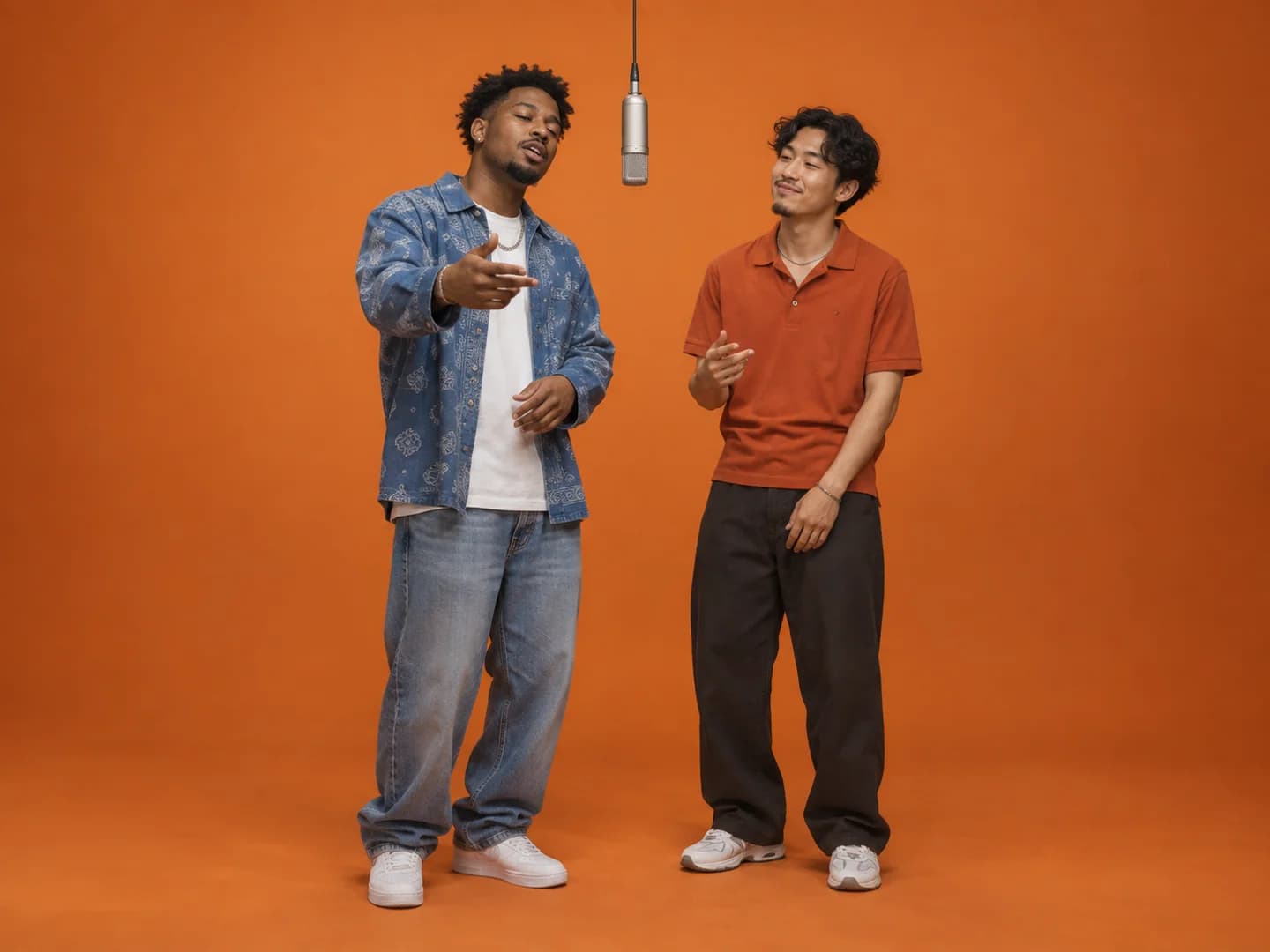
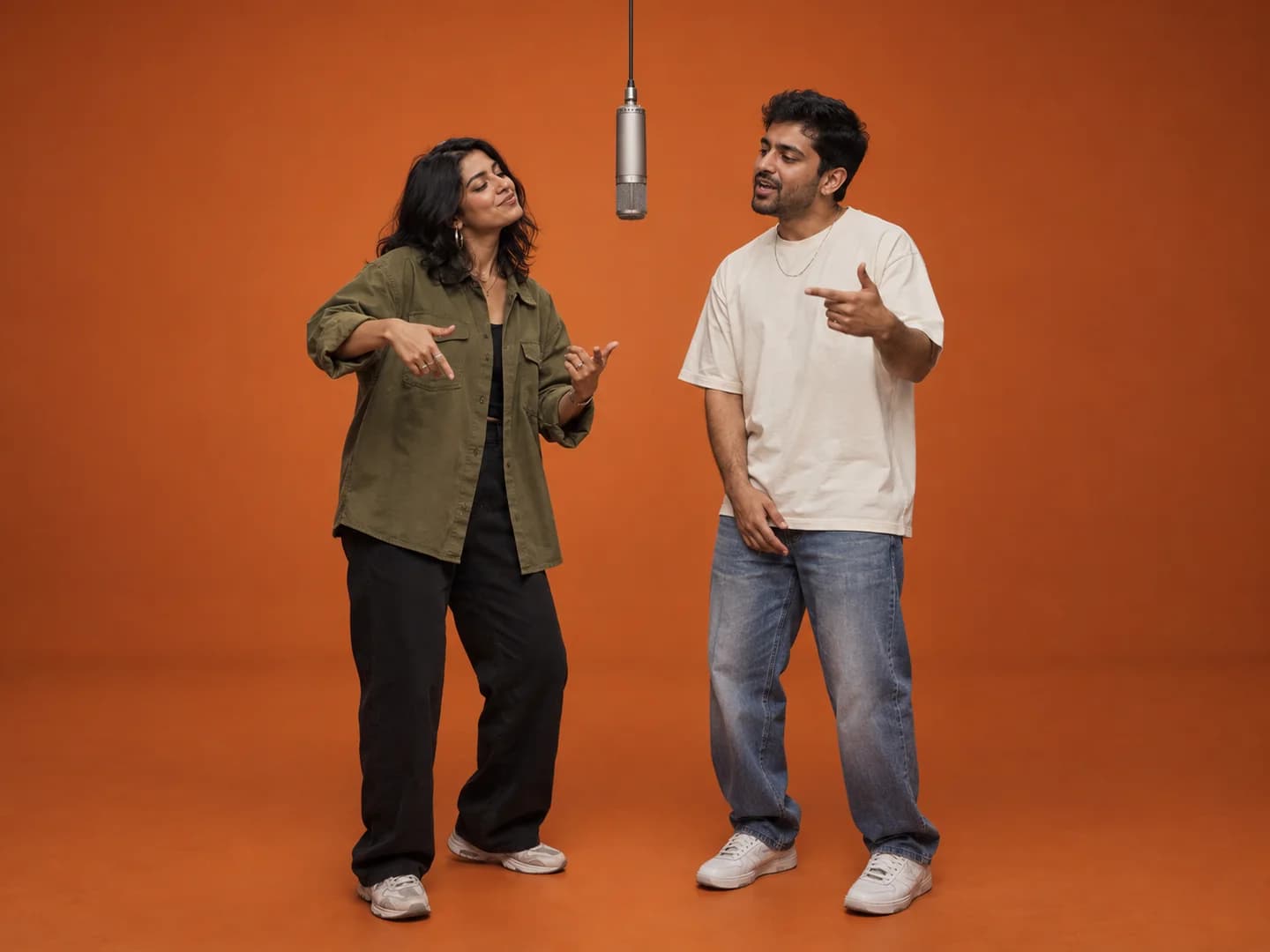
A useful Hotel Lobby AI prompt assigns one reference image to each performer, describes the orange studio and hanging microphone, and keeps the subjects distinct during motion. The examples below are for tools with a prompt field. Make Hotel Lobby AI supplies its scene automatically, so you do not paste a prompt into our generator.
Start with the two reference roles
Text alone does not contain your friend's appearance or your pet's markings. Use a tool that accepts the two reference images, then describe which image supplies each subject. Check the tool's own reference syntax before copying a prompt; Image 1 and Image 2 here are descriptive labels, not universal commands.
Keep a left/right assignment near the beginning of the prompt. Describe a shared scene and a simple performance, then say which identity features should remain separate. Avoid conflicting instructions, such as asking the subjects to switch places while also requiring them to stay on their original sides.
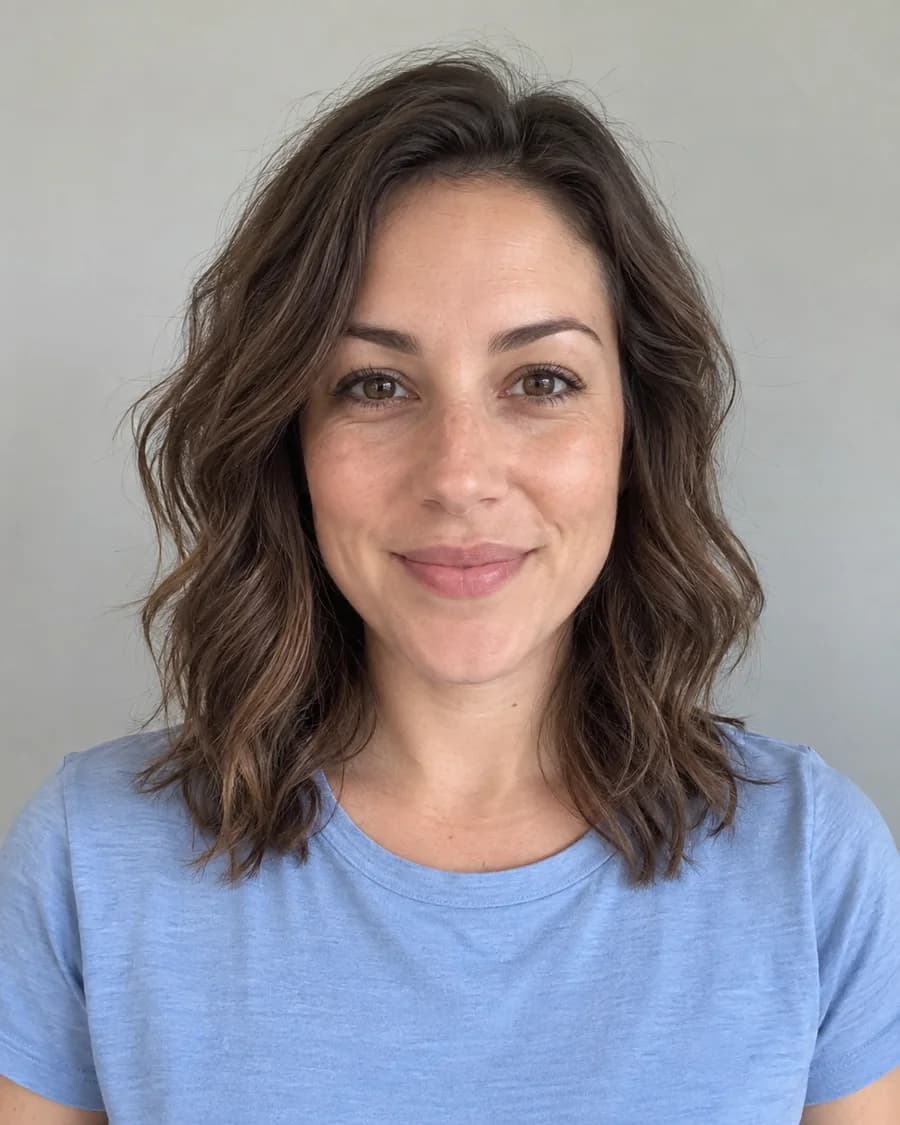
Prompts can guide a model but cannot guarantee stable identity. If an input photo is blurry or shows several faces, asking for perfect likeness does not supply the missing visual detail. Prepare the references before adding more text.
Prompt example: friends in an orange studio
Use this as a starting point for a tool that supports both image references. Replace any wording that conflicts with its controls, especially duration, aspect ratio and audio options. If those are separate settings, set them in the interface instead of relying only on the prompt.
Use the subject from Image 1 as the left performer and the subject from Image 2 as the right performer. Place both in a plain warm-orange recording studio with one suspended microphone between them. Keep each person's face, hair and clothing distinct. They take turns performing an original rap duet with small, confident hand gestures. Use a steady camera and keep both subjects visible. Do not merge their faces or exchange their identities.
Prompt example: two pets sharing the microphone
For animals, describe visible features rather than inventing features the photos do not show. Fur color, markings, ears and muzzle shape are often more useful reference cues than a pet's name. Keep the performance simple so the prompt does not ask for too many unrelated actions.
Cast the pet in Image 1 on the left and the pet in Image 2 on the right in a clean orange studio. A single microphone hangs between them. Preserve each animal's recognizable coat markings, ears and muzzle. Give them a playful upright duo performance with alternating gestures and a steady two-subject composition. Keep their identities and markings separate as they move.
Prompt example: your original characters
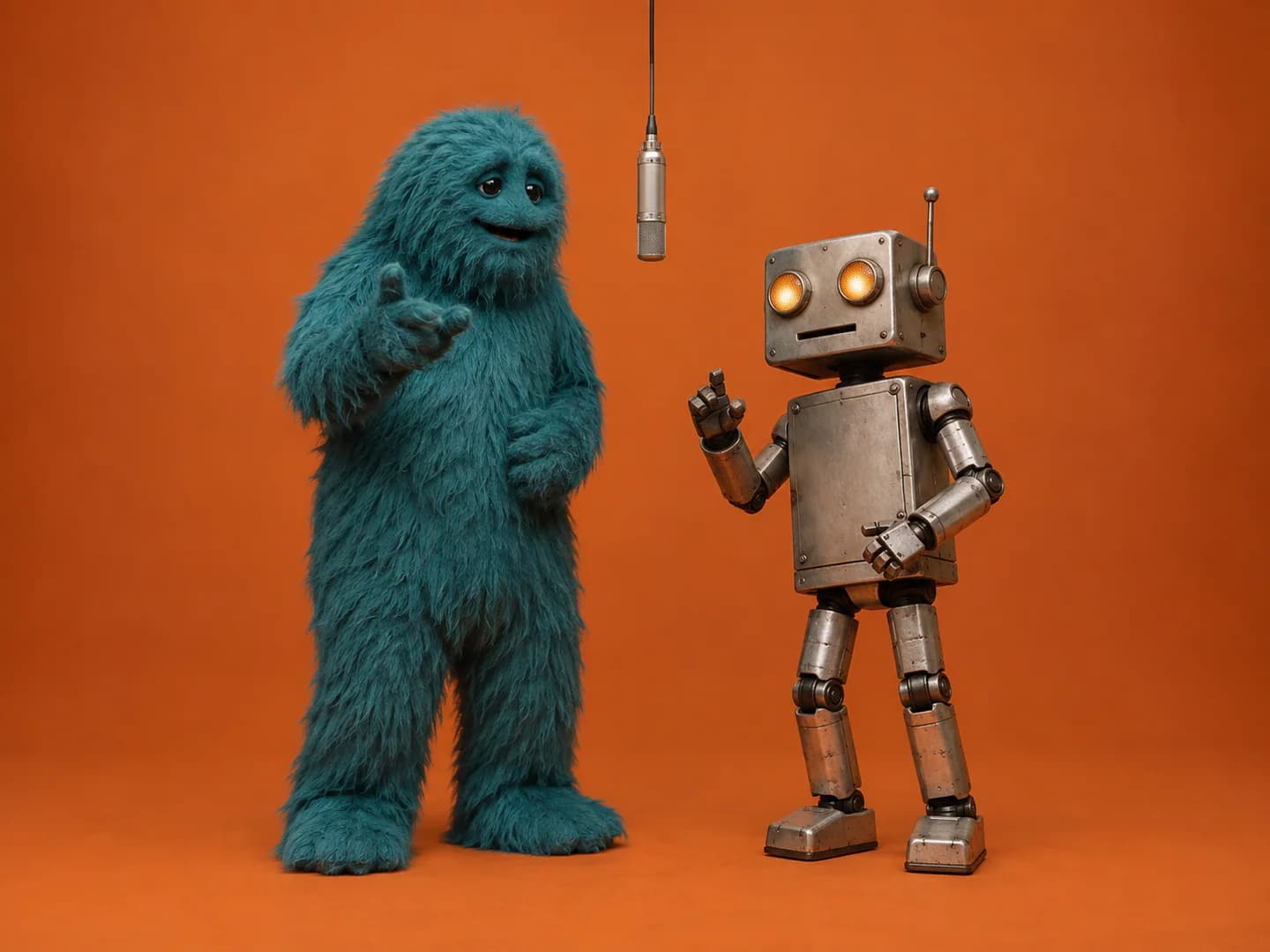
Use clean artwork showing one original character per image. Decide whether you want to keep the illustration style or reinterpret it before generating. Describing both outcomes at once makes the direction harder to follow.
Use the original character from Image 1 on the left and the original character from Image 2 on the right. Preserve their distinct silhouettes, colors and facial features in their existing illustrated style. Stage a playful duet in a minimal orange booth beneath one hanging microphone. Keep both characters readable throughout the performance, with a fixed camera and no costume or identity exchanges.
When a longer prompt does not improve the result
First check that the chosen workflow actually supports two references. A tool with only one starting frame may interpret two images differently from a multi-reference model. Do not treat a prompt as a replacement for the input mode the model needs.
Next simplify the motion, remove contradictory style requests and replace weak photos. Compare one change at a time. Repeating the same request can produce a different clip, but every new generation can have its own cost; check the displayed price before retrying.
If you prefer the prepared workflow, our generator already handles the studio scene and performer roles. Upload the left and right photos, choose a format and generate. There is no custom prompt field to configure on Make Hotel Lobby AI.
Ready for your own duet?
Choose your two performers, check your credit balance and bring them into the booth.
Create a Hotel Lobby video ↗See credit packs