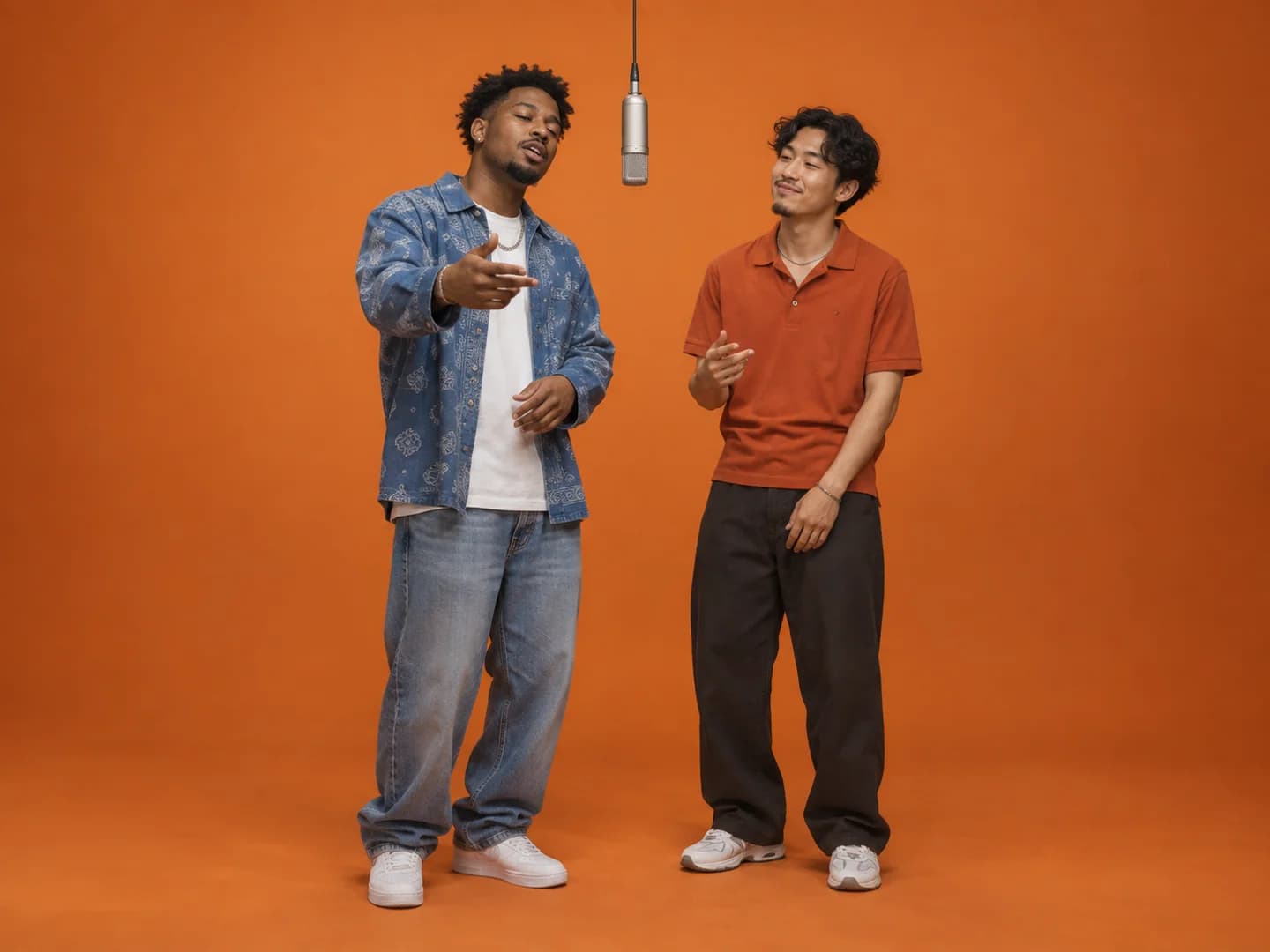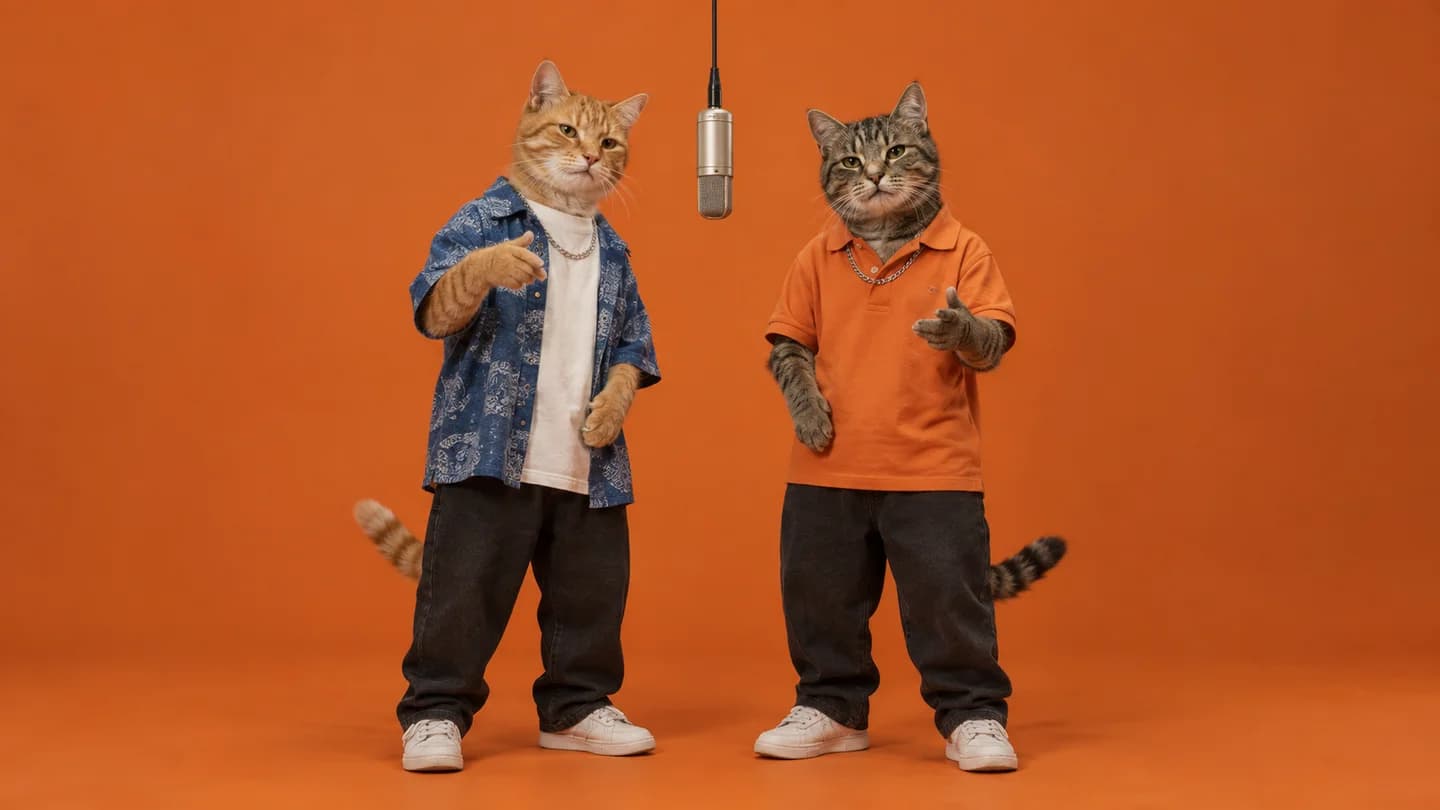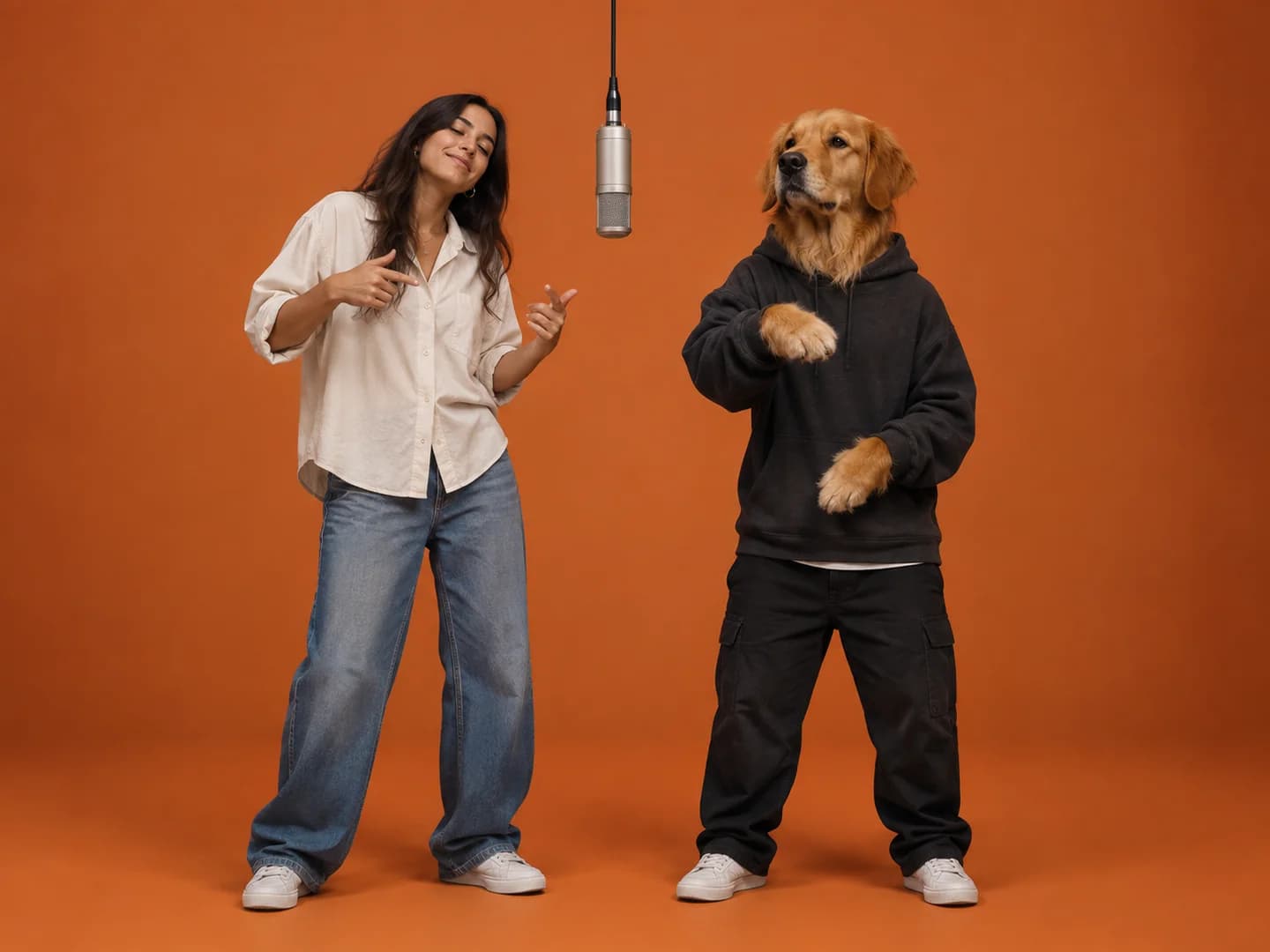
Quick answer
For a pet Hotel Lobby AI video, choose one clear photo per animal or person and assign the two performer positions. Two cats, contrasting dogs or a pet with its human make easy-to-understand duos. Visible eyes, ears and coat markings are more useful than a busy background or a complicated pose.
1. Two cats with opposite personalities
Pair the household's very serious cat with its chaotic roommate. Choose separate photos that clearly show their faces and different markings. A tabby and a solid-colored cat are easy to distinguish; two similar-looking cats need especially clear source images.
Choose the left and right roles intentionally before you upload. The joke can be the pairing itself, so you do not need to make a pet uncomfortable to get a theatrical photograph. An ordinary bright portrait is a useful starting point.
2. A big dog and a small dog
A large dog beside a tiny companion creates a recognizable contrast. Use images that include their bodies if their proportions are the reason for the idea. Close face crops provide much less evidence of their relative size.
AI can reinterpret scale in the generated studio, so consider the size contrast a creative direction rather than a guaranteed measurement. Check the whole clip for changes in paws, ears and body proportions.
3. You and your pet
Put yourself on one side and the pet on the other. Use a clear individual photo of each rather than a selfie where the animal is partly hidden under your chin. Keeping the references separate makes the two intended identities easier to read.
This pairing works well for a pet birthday, adoption anniversary or a playful message to friends. Choose a photograph of yourself that you are comfortable publishing, and keep personal information in the background out of the crop.
4. A cat and a dog who rarely cooperate
They do not have to pose together for this video. Their separate reference images can provide each performer without arranging a stressful joint photo session. Distinct fur patterns and unobscured faces help preserve the contrast between them.
Watch for a model blending features between species, particularly around ears and muzzles. If it happens, start by replacing the weaker reference image with a sharper one. A second generation is a separate credit-spending attempt.
5. Two pet siblings in their everyday looks
Use the pets as they normally look: distinctive collars, coat patterns or hairstyles can give each subject its own identity cues. Do not add a costume solely for the photo if it covers the features you want the model to preserve.
If the animals look alike, pick images where their differences are visible. Similar dim photographs of two black cats offer less information than bright photos showing their faces and markings.
6. Your pet and an original mascot
Pair a pet photo with a clean image of a character you created. Use one mascot per reference, and choose artwork with readable eyes and a clear silhouette. This gives the duo a different visual contrast from two photographs.
Mixed styles may change during generation. Treat the result as a new interpretation and check both the pet's identity and the mascot's colors before posting. A more consistent style may be easier to recognize if the first pairing changes too much.
Prepare, review and save your duet
Use still JPG, PNG or WebP images up to 8 MB each. Put the intended left performer in Photo 1 and the right performer in Photo 2. Choose portrait 9:16 for a vertical clip or landscape 16:9 for a wider frame.
Each 5–15 second video uses the displayed number of credits and includes original generated audio. Review the animals' features throughout the clip and download the finished MP4 promptly, since the output link is temporary.
Ready for your own duet?
Choose your two performers, check your credit balance and bring them into the booth.
Create a Hotel Lobby video ↗See credit packs